

AI Dating Photo Generator · Nano Banana 2 & Pro

AI Dating Photos That Still Look Like You

Upload 1–3 clear selfies to generate candid 35mm daylight AI dating photos for Hinge, Tinder, and Bumble—powered by Nano Banana 2 & Pro with 24-hour auto-deletion.

Sign in with Google to generate AI dating photos — new accounts receive 2 free credits.
01 Upload 1–3 clear selfies

Photos are auto-resized before upload, used only to generate your portrait, and automatically deleted within 24 hours.

02 Choose a natural dating scene
03 Quality tier, framing & optional note
Free Local Cropper
Style Reference · Cafe Window Light 4:5 · STANDARD
Illustrative AI dating photo style reference
Illustrative Style Sample Cafe Window Light

Upload 1–3 clear selfies on the left and click Generate to create your own portrait in this lighting style.

Tip: Always check your result against the First Date Rule—keep only portraits that genuinely look like you today.

Illustrative Style Lookbook

From everyday selfie to candid daylight dating photos

These illustrative style samples show the candid daylight look our scenes target—always compare your generated output against your real appearance.

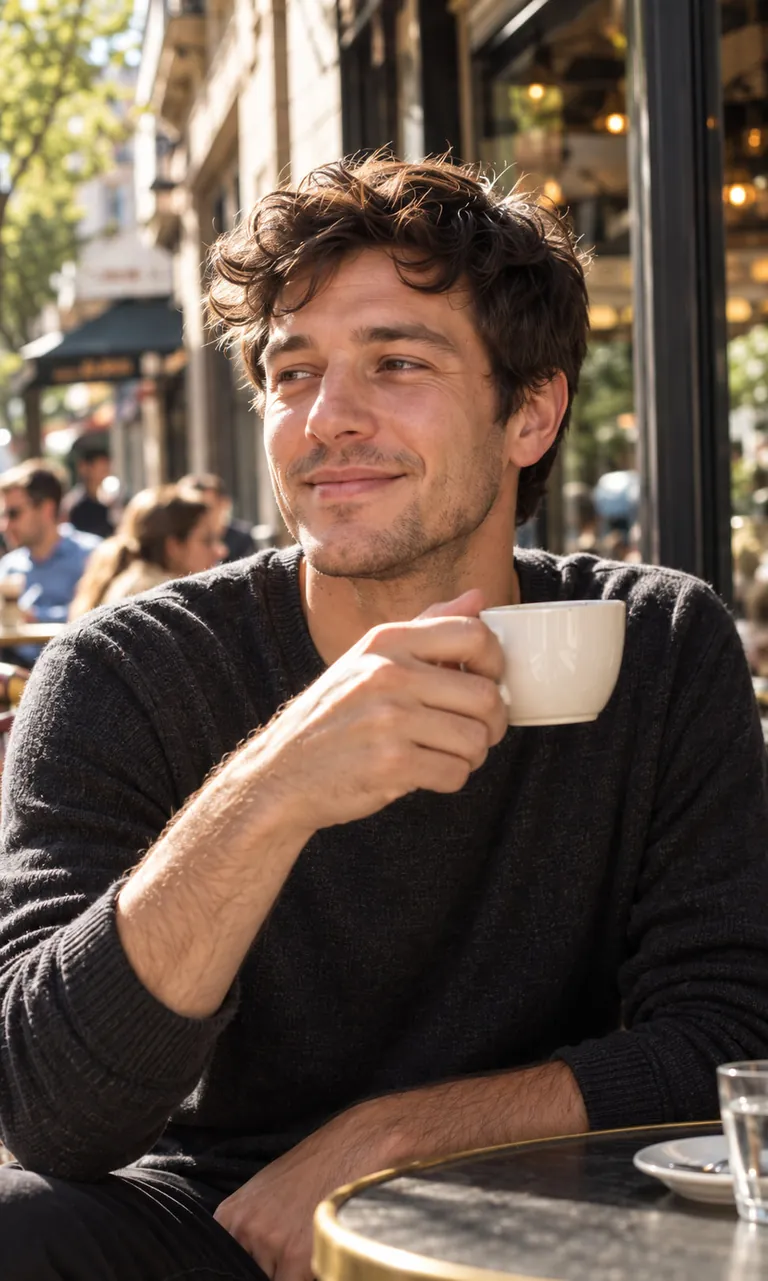
Cafe window light AI dating photo example with warm morning daylight
Casual front-facing input selfie example for AI dating photos Input selfie
Scene · 01 Cafe Window Light (Lead Portrait)

Illustrative style sample showing natural morning window light, approachable eye contact, and everyday knitwear.

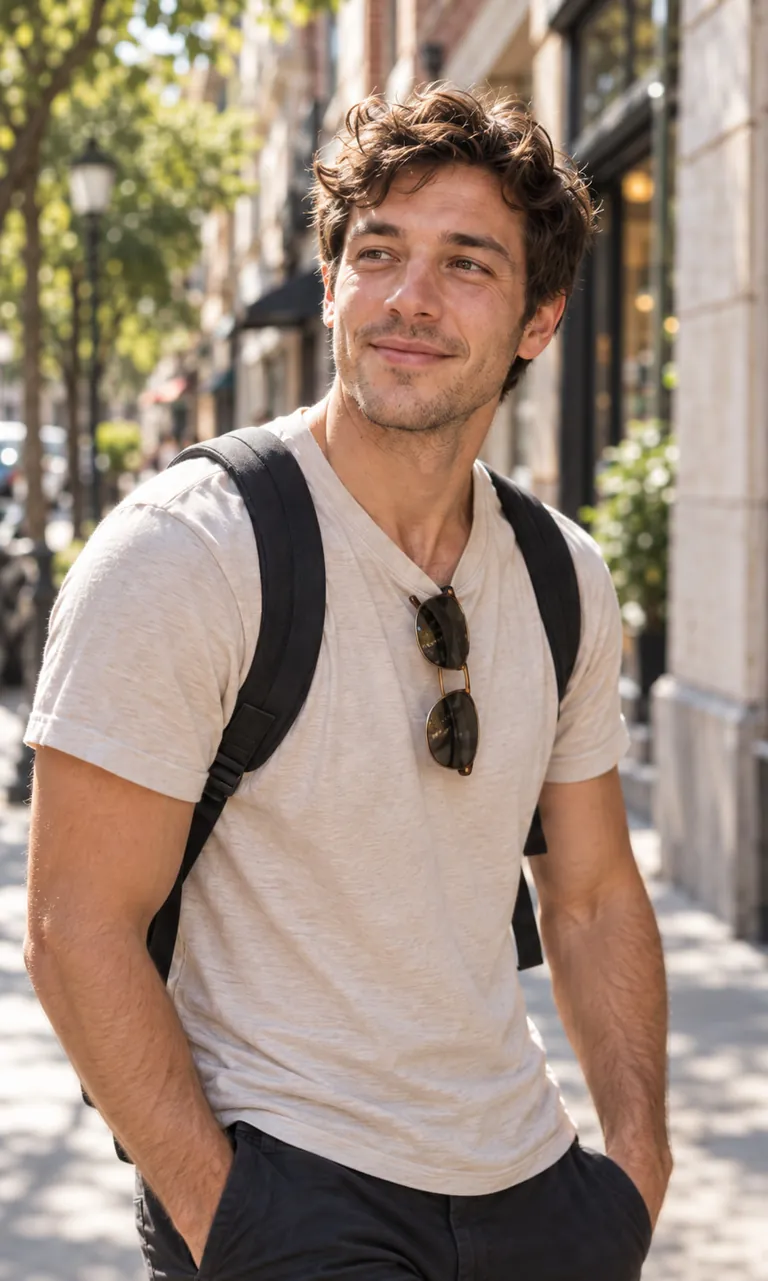
Golden hour city walk AI dating photo example in casual jacket
Scene · 02 Golden-Hour City Walk

Warm late-afternoon street light and relaxed posture—built for slot 2 on Hinge or Tinder.

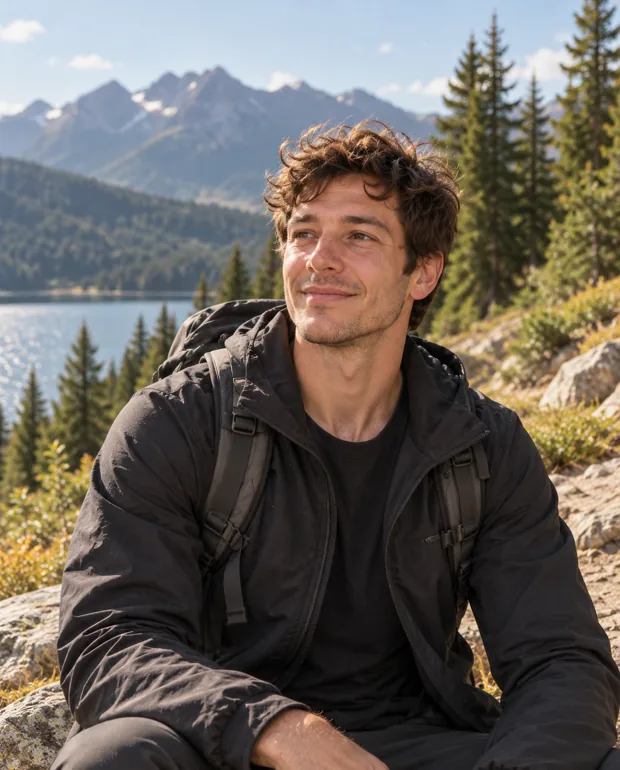
Weekend park candid AI dating photo example in natural shade
Scene · 03 Weekend Park Candid

Soft outdoor afternoon shade and casual layers that feel like a friend snapped it.

Quiet daylight lead AI dating photo example at eye level
Scene · 04 Quiet Daylight Lead

Clean eye-level lead portrait with realistic skin texture and zero corporate stiffness.

How to generate AI dating photos that still look like you

Most AI dating photo generators fail for one simple reason: they treat every upload like a corporate LinkedIn headshot or a heavy beauty filter. The result is waxy skin, generic grey studio walls, and a face that looks like your distant cousin rather than you.

DatingPFP takes the opposite approach. Our AI dating photo generator is built around candid 35mm daylight scenes—coffee shop window light, golden-hour street walks, weekend park shade, and clean eye-level lead portraits—powered by Nano Banana 2 (Standard, 1 credit) and Nano Banana Pro (Pro Photoreal, 2 credits). Both models are chosen specifically for strong facial consistency and natural skin texture.

Standard (1 credit) vs. Pro Photoreal (2 credits)

Tier Model Credits per Photo Best For
Standard Nano Banana 2 1 credit Fast tests, trying different daylight scenes and outfits
Pro Photoreal Nano Banana Pro 2 credits Your main Hinge / Tinder lead portrait with maximum skin & facial realism

New accounts signed in with Google receive 2 free credits to test the studio—enough for two Standard portraits or one Pro Photoreal portrait. Need to crop or frame photos you already took? Our free browser dating profile photo cropper stays 100% free, unlimited, and requires no sign-up.

How to get the most recognizable results

  1. Upload 1 to 3 clear daylight selfies: Choose sharp, recent, unfiltered photos where your eyes and jawline are clearly visible. Avoid sunglasses, heavy shadows, or group crops.
  2. Pick a setting that fits your real life: If you spend weekends at neighborhood coffee shops or walking city streets, pick Cafe Window or City Golden Hour so the photo matches your actual vibe.
  3. Choose your dating app ratio: Generate directly in 4:5 for Hinge and Bumble, 3:4 for Tinder, or 1:1 for square slots.
  4. Apply the First Date Rule: Compare every finished portrait side-by-side with a recent camera-roll photo. Keep only the portraits where someone meeting you tomorrow would recognize you immediately, and always mix 1–2 AI portraits with real candid photos of your hobbies and friends.

Privacy and 24-hour auto-deletion

Your uploaded selfies are resized in your browser before transfer, used solely to generate your requested portrait via the configured AI image provider, and automatically deleted within 24 hours. We never sell your photos or display user uploads in public galleries. You can view your credit history or permanently delete your account at any time on your Account page. For full lineup examples and phone-shooting tips, explore our best dating profile photos guide and dating profile photos for men guide.

Common Questions

Dating Profile Photos FAQ

How many AI dating photos can I generate for free?

New accounts signed in with Google receive 2 free credits (subject to standard anti-abuse limits). Standard portraits (Nano Banana 2) cost 1 credit each, and Pro Photoreal portraits (Nano Banana Pro) cost 2 credits each.

What is the difference between Standard and Pro Photoreal?

Standard uses Nano Banana 2 (1 credit) for fast, natural daylight portraits. Pro Photoreal uses Nano Banana Pro (2 credits) for maximum facial anchoring, realistic skin texture, and fine lighting detail—ideal for your slot-1 lead photo.

What happens to my uploaded selfies after generating AI dating photos?

Uploaded selfies are used solely to generate your requested portrait, transmitted to our AI image provider for processing, and automatically deleted within 24 hours. We never sell your photos or publish them in public galleries.

How do I keep AI dating photos looking natural instead of fake?

Upload 1 to 3 recent, unfiltered, front-facing daylight selfies, pick casual everyday scenes instead of corporate backdrops, and check every output against the First Date Rule—keep only portraits that genuinely look like you today.

Can I use AI dating photos on Hinge, Tinder, and Bumble?

Always check the current community guidelines of Hinge, Tinder, or Bumble, represent your real current appearance accurately, and pair any AI-assisted portrait with recent unedited photos from your camera roll.

What happens if an AI generation fails—do I lose credits?

Yes. If a generation fails or times out on the AI provider side, your credits are automatically refunded to your account balance.